
Feedback can be hard to turn into video because it is rarely a single clean story. A survey result, customer comment, product note, support trend, or service update may contain useful signals, but it also contains limits. One comment is not the whole audience. One complaint is not a proven pattern. One improvement request is not a promise that the next version will solve everything.
That makes short video both useful and risky. A clip can help a team explain what they heard, what they are reviewing, and what may happen next. But if the sequence becomes too polished too early, it can make tentative feedback look like confirmed research or a guaranteed product decision.
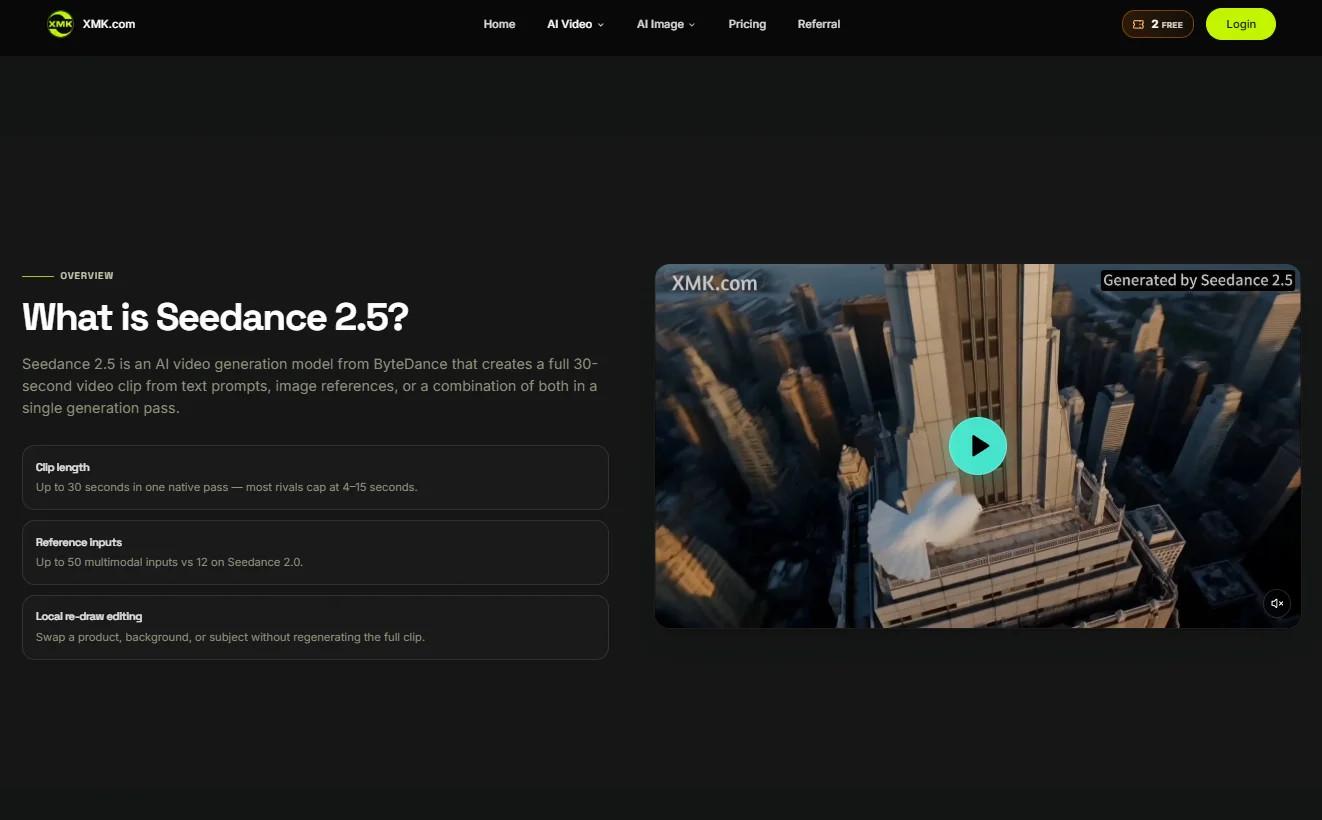
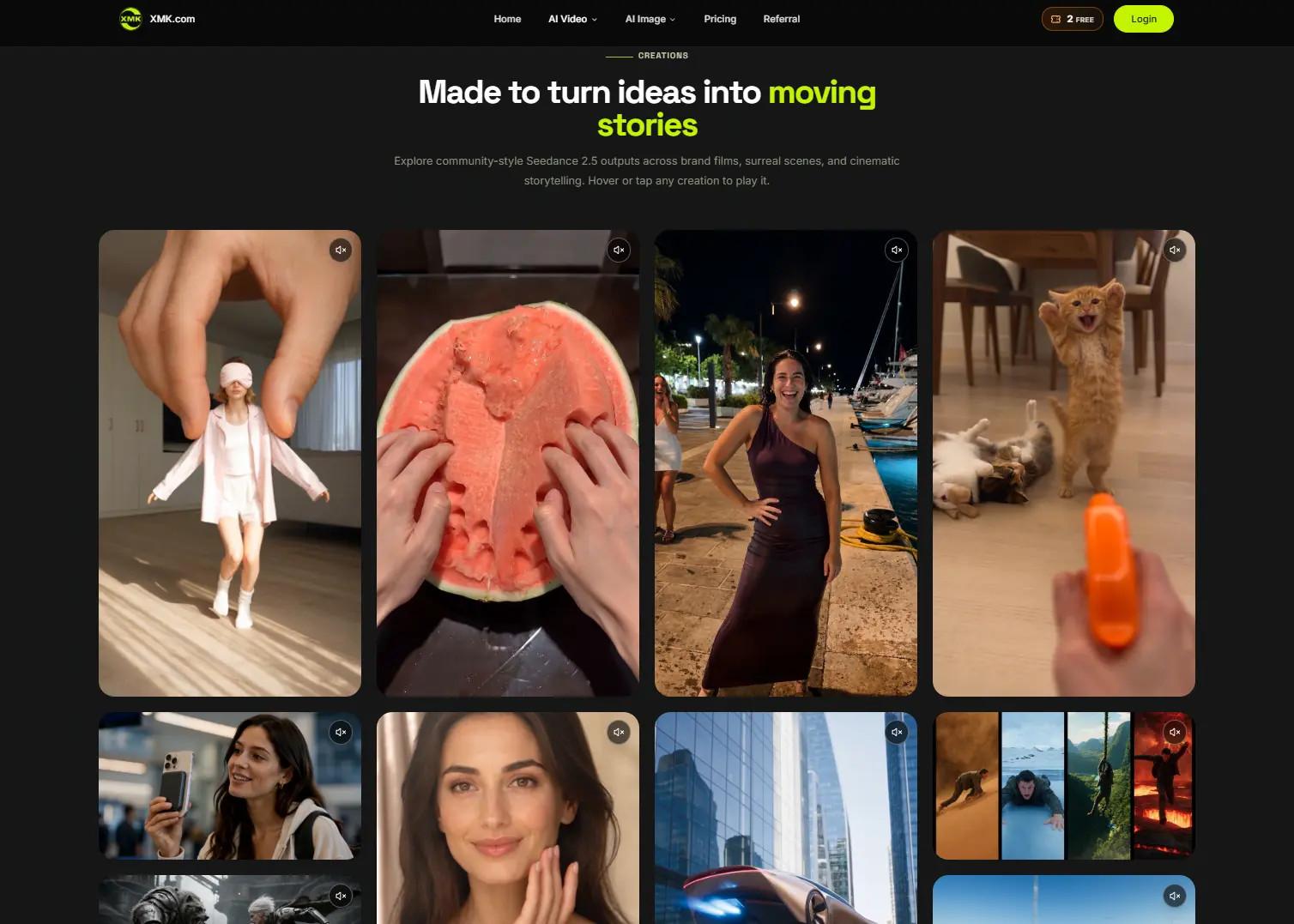
Seedance 2.5 on XMK gives teams a practical way to test feedback-led video ideas before final production. The browser-based workspace supports text-to-video and reference-guided generation, with prompts, eligible image, video, and audio references, selectable aspect ratio, resolution, and duration settings, and clips available up to 30 seconds. Used well, it helps reviewers see whether a message is clear without forcing the team to treat a draft as finished evidence.
Start With What the Feedback Can Support
A feedback-based video should begin by naming what the source actually supports. The source may show that some users were confused by a feature. It may show that a process needs clearer instructions. It may show that a service team is collecting ideas for improvement. It should not automatically become proof that every user feels the same way or that a final solution already exists.
The brief should separate three things: what was heard, what is being reviewed, and what action is possible. That structure keeps the video honest. It also helps the team avoid vague language such as “customers want” or “users are demanding” when the material only supports a narrower claim.
A draft is useful because it exposes overstatement early. If the opening frame sounds too certain, if the middle turns one example into a universal problem, or if the ending promises more than the organization has approved, the team can correct the message before investing in final editing.
Keep the Viewer’s Question Simple
Feedback videos often try to do too much. They may summarize comments, explain the background, show the product or service, introduce a new workflow, mention next steps, and ask viewers to take action. In a short clip, that usually becomes noise.
A better draft gives the viewer one clear question to follow. What changed? What should be checked? What option is being compared? What information does the team still need? Once the question is clear, the video can support it with a simple sequence instead of a crowded list of claims.
This is especially important when the video is connected to a longer article or help page. The clip does not need to carry every detail. It can highlight the issue and point the viewer back to the complete source for context, definitions, eligibility, timing, and corrections.
Use References Without Importing Private Context
Reference material can help an AI video draft keep a consistent tone. A neutral interface sketch can guide layout. A simple storyboard can guide order. A color palette can guide the mood. A short audio cue can guide pacing. The risk is that teams may reach for real customer materials because those files are already nearby.
That is usually the wrong starting point. A support ticket, survey screenshot, chat thread, spreadsheet, internal dashboard, or customer photo may contain private information even if the visible detail seems harmless. Early drafts should use fictional, anonymized, or fully cleared materials instead.
XMK currently states that real human faces—including selfies, portraits, and celebrity material—and copyrighted content are not supported in this workflow. Violent and NSFW content is also rejected. Rights clearance and platform eligibility should therefore be checked separately before any reference is uploaded.
Do Not Turn a Draft Into Research Proof
A generated scene can illustrate a feedback theme, but it cannot prove the theme exists. It cannot show that a customer actually behaved in a certain way, that a service issue affected a certain number of people, or that a proposed improvement will work. Those conclusions need sources, measurement, user testing, or operational records.
If the video includes numbers, categories, labels, or timelines, keep them traceable. Survey counts, date ranges, sample descriptions, response rates, and source names should remain in approved text. A short visual summary should not remove the limits that make the feedback understandable.
Generated scenes also need clear framing. A fictional user journey should not look like recorded customer behavior. A staged product screen should not look like a verified live interface. A sample improvement path should not look like an approved roadmap. If a viewer could reasonably misunderstand the scene, label it clearly or replace it with verified material.
Test the Sequence Before the Tone
Teams often judge early video drafts by style: clean, modern, friendly, serious, fast, calm, or energetic. Style matters, but sequence matters first. If the viewer cannot follow the order of the message, the tone will not save it.
A feedback-led draft can be reviewed in four steps. First, show the issue or question. Second, show the source boundary. Third, show what the team is considering. Fourth, show the next action. That action might be reading the full update, submitting more feedback, checking a help page, reviewing a changelog, or waiting for a confirmed release.
At this stage, the Seedance 2.5 workspace can help teams compare short drafts before final production. Keep the subject and message stable, then test one variable at a time: opening frame, crop, duration, pacing, caption placement, or reference set. If every variable changes, reviewers may choose a favorite without knowing what improved the communication.
Keep Copy, Captions, and Claims Editable
Feedback videos depend heavily on wording. A single phrase can change the meaning of the whole clip. “Some respondents mentioned” is different from “customers agreed.” “We are reviewing” is different from “we will change.” “This example illustrates the issue” is different from “this happened.”
For that reason, exact copy should stay editable until the final production step. Use the draft to test where captions should appear, how long key lines should stay on screen, and whether the viewer can understand the message without sound. Do not rely on generated background text for approved claims, labels, or calls to action.
Accessibility should be part of this review. If narration, dialogue, music, or sound effects carry information, provide accurate synchronized captions and check their timing manually. If color shows priority, category, or status, add text or symbols so the message does not depend on color alone.
Use Video to Clarify, Not Inflate
The best feedback-led video draft is not the one that makes the organization look most decisive. It is the one that helps the viewer understand the feedback honestly. It should clarify what is known, what is still being checked, and what action the viewer can take next.
Seedance 2.5 can support that process by making early video ideas visible before they become expensive production assets. The draft gives teams something concrete to review: the order of the message, the role of references, the placement of captions, and the boundary between illustration and evidence.
When those boundaries are clear, AI video becomes more than decoration. It becomes a practical review step for teams that want to communicate feedback, updates, and service ideas without turning early signals into overconfident claims.