

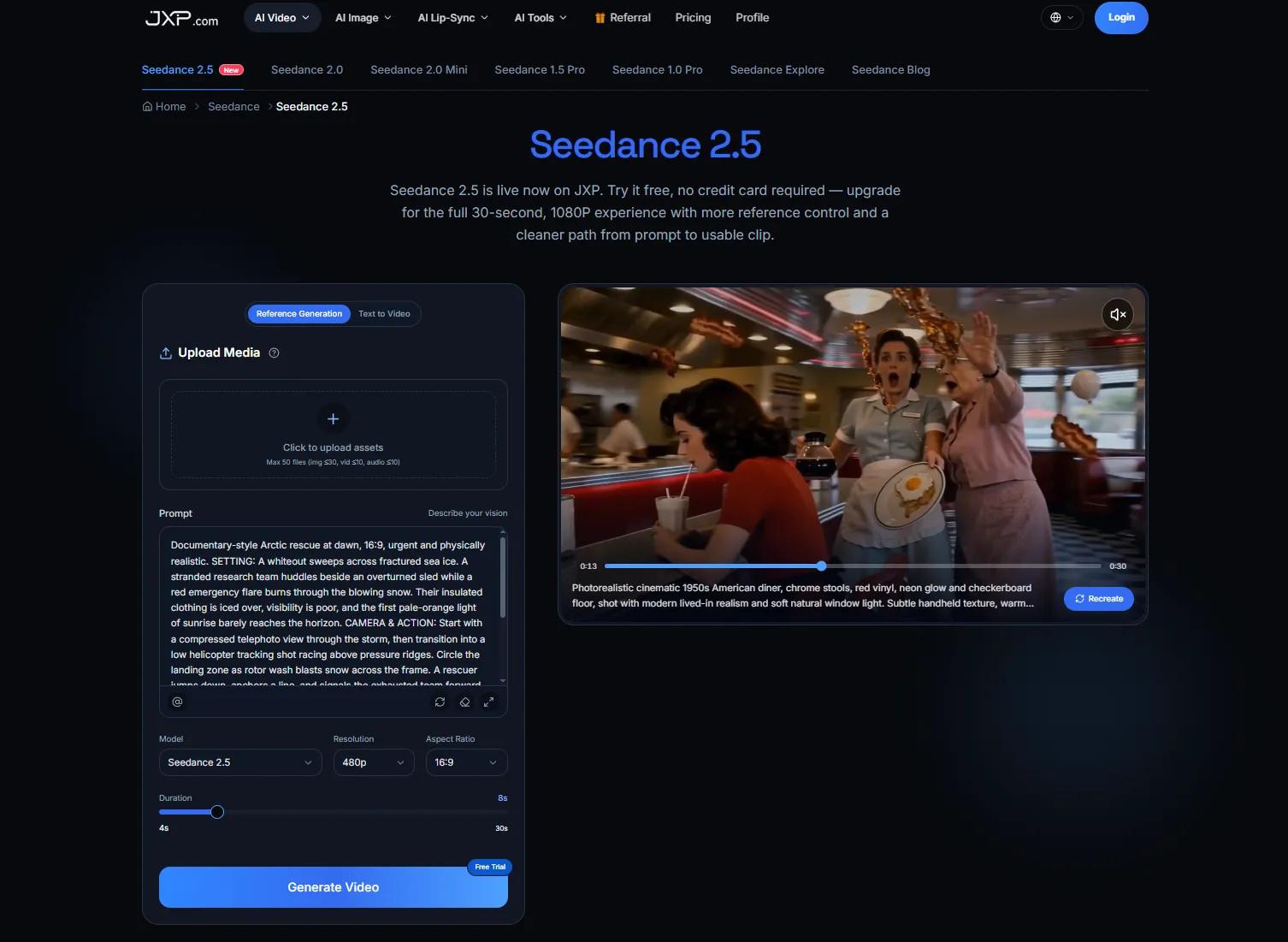
Customer feedback can look simple after it has been summarized. A survey response, support comment, review theme, or satisfaction score may become one clean sentence in a report. Turning that sentence into a short video can help a team explain what customers are saying, but only if the context survives the edit.
The danger is not only that a video may look too polished. It may also make a narrow finding look universal. A handful of comments can become "customers want." A temporary complaint can look like a permanent trend. A positive testimonial can appear to represent the whole audience. Feedback is useful because it is specific; video should not smooth away that specificity.
Used carefully, Seedance 2.5 on JXP can support this early planning stage by helping teams turn an approved feedback summary and eligible visual references into a short draft for review. The draft should remain a planning tool. It should not replace source notes, survey methodology, consent checks, verified charts, customer privacy rules, or final editorial judgment.
Start With the Feedback Question
A feedback video should begin with the question the team is trying to answer. Are customers confused about a process? Are they asking for clearer instructions? Are they praising one feature? Are they complaining about wait time, delivery, pricing, packaging, or support? Is the goal to explain a finding, invite participation, or show what will happen next?
A vague brief such as "make our survey results look exciting" is too broad. A better brief might say, "Show that customers asked for clearer pickup instructions, then point back to the full update." Another might say, "Explain that this is one theme from recent feedback, not a complete satisfaction report."
If the question is unclear, the video should wait. A short clip with no clear purpose can turn useful feedback into decoration.
Keep the Sample and Source Visible
Feedback is never floating in the air. It comes from a source: survey answers, review platforms, support tickets, interviews, social comments, in-store conversations, or analytics. Each source has limits. A support inbox may overrepresent problems. A public review page may overrepresent strong feelings. A short survey may capture convenience more than long-term loyalty.
The final article or caption should preserve the source, time period, audience, and limits of the feedback when those details matter. "In a July customer survey" is different from "customers say." "Among respondents" is different from "all shoppers." "Several comments mentioned" is different from "the main reason."
A generated scene should not remove those qualifications. It should help readers understand the finding, not make it look larger than it is.
Do Not Turn Comments Into Testimonials Without Permission
A customer comment may feel quotable, but that does not automatically make it ready for video. A private survey response, support message, or email should not be turned into a public testimonial unless the team has the right permission and review process.
Even when a comment is anonymized, context can identify a person. A location, order detail, unusual complaint, staff reference, or timing clue may reveal more than intended. For early drafts, fictional composite examples are often safer than real customer text.
If the final piece uses a real quote, the wording should stay accurate and attributed according to the publisher's policy. A generated scene should not make a private comment look like a public endorsement.
Keep Numbers and Labels Editable
Feedback videos often use numbers: satisfaction scores, response counts, star ratings, percentages, rankings, average wait times, or before-and-after comparisons. Those numbers should come from verified source material and be added in the final edit.
Generated background text should not be trusted for charts, dashboards, receipts, survey screens, or review snippets. A wrong percentage can change the meaning of the whole finding. A fake rating can look like a real performance claim. A made-up interface can suggest a tool or platform that was never used.
The draft can leave space for labels and charts, but the final text should remain editable until the source data, date range, and wording have been checked.
Show Patterns Without Inventing Behavior
A short video can make a pattern easier to understand. It can show a queue moving too slowly, a checkout step that needs clearer wording, or a customer trying to compare options. But those scenes should stay illustrative unless they are based on verified observation.
If the article says customers reported confusion, the video should not invent angry crowds. If the data shows interest in a feature, the clip should not imply that everyone loves it. If a business is testing a new process, the video should not present the test as a finished promise.
Generated scenes should illustrate the article's explanation, not serve as evidence that customer behavior, demand, satisfaction, or loyalty has been measured.
Use Simple, Eligible References
Reference material is useful when it keeps the draft focused. A generic journey map, original icon set, simple color palette, fictional survey card, or clean layout sketch may be enough. Each reference should have one job: guide the tone, show the sequence, reserve space for labels, or suggest the type of situation being discussed.
Teams should be careful with real receipts, customer photos, staff images, review screenshots, brand logos, private dashboards, support conversations, and third-party marketing assets. Permission to analyze feedback internally does not automatically mean the material is appropriate for upload, remixing, or public visual use.
For a planning draft, it is often better to use a fictional example that preserves the idea without exposing the source material.
Plan One Clear Sequence
A feedback video does not need a complicated structure. One useful sequence is: name the issue, show the customer moment, explain what the feedback suggests, then point readers to the full update or next step.
For example, a business might want to explain that customers asked for clearer order pickup instructions. The video could show a generic counter, a confusing sign, an editor-added label, and a final note directing viewers to the updated process. It should not show a real store, real staff, real customers, or a fake policy as if it were current.
The draft is useful because it reveals whether the message is specific enough. If reviewers cannot explain the feedback theme in one sentence, the written summary may need a clearer angle.
Make the Clip Useful Without the Full Report
Feedback videos are often shared on social feeds, newsletters, landing pages, or internal updates. Viewers may not see the full report first. The clip should therefore carry enough context to avoid misunderstanding, while still directing readers back to the complete source when needed.
Important labels should be readable on a phone. Captions should match the approved script. If color shows sentiment, category, urgency, or priority, use words or symbols too. If narration carries meaning, review it manually before publication.
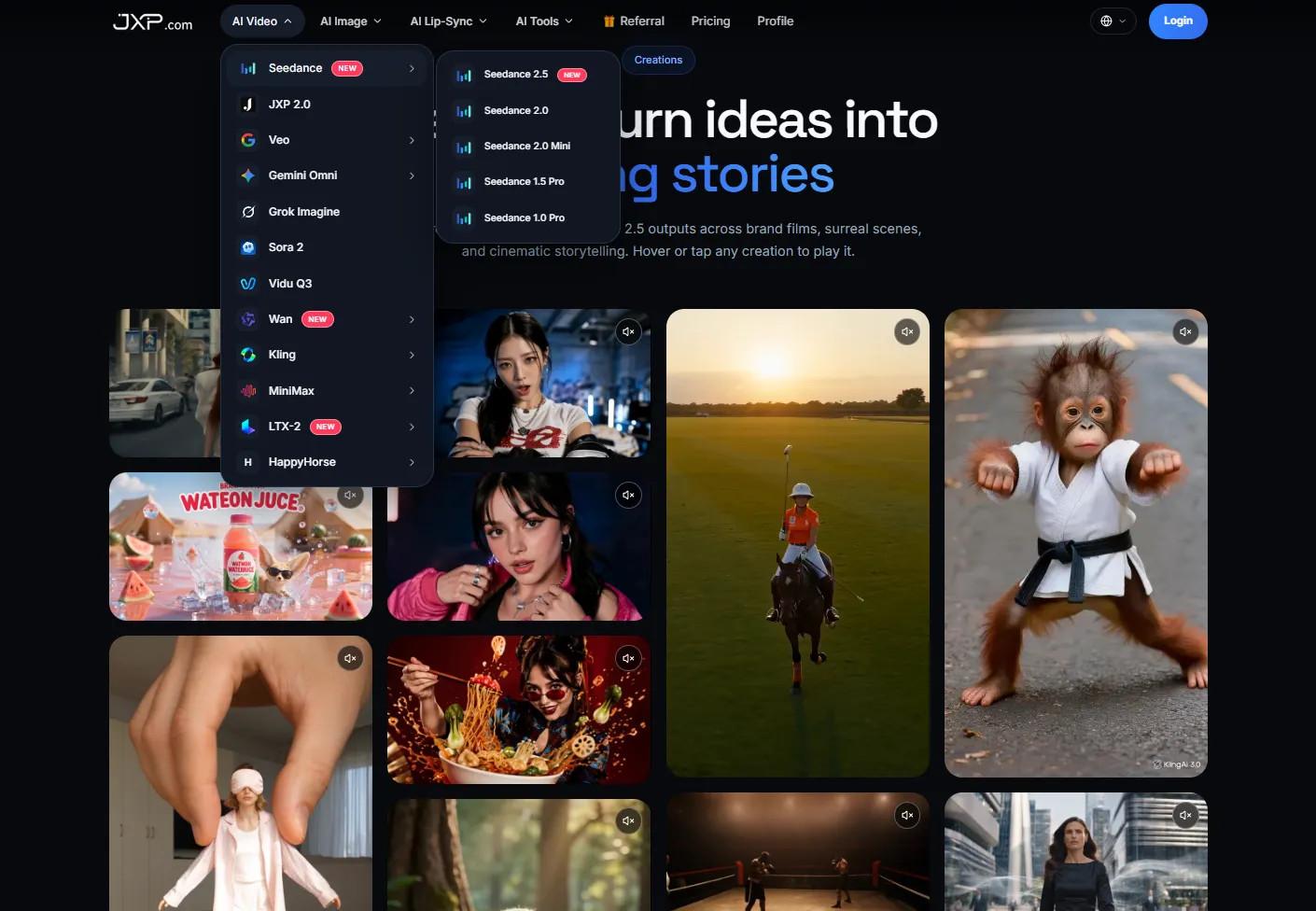
A practical feedback-video workflow can help teams compare pacing, source clarity, and visual emphasis before they spend time on final design, captions, thumbnails, or promotion.
Review Against the Feedback Record
Before publication, compare the draft with the approved feedback record. Does the video preserve the source, time frame, and limits of the finding? Does it avoid turning one comment into a general claim? Are numbers, charts, labels, and calls to action added from verified copy?
The review should also ask whether the clip changes the tone. A small complaint should not look like a crisis. A positive comment should not look like universal approval. A test should not look like a permanent policy.
Sometimes the best answer is not more video. It may be a clearer survey summary, a simple chart, a customer FAQ, or a plain-language update. A draft helps by making that decision visible before final production.
Let the Feedback Stay Honest
Customer feedback is valuable because it shows what people experienced, asked, or misunderstood. Short video can make those patterns easier to discuss, but it should not make the evidence look stronger than it is.
A good draft keeps the finding specific, the source visible, and the next step clear. If it helps the team explain the feedback without overstating it, the video has done its job.