

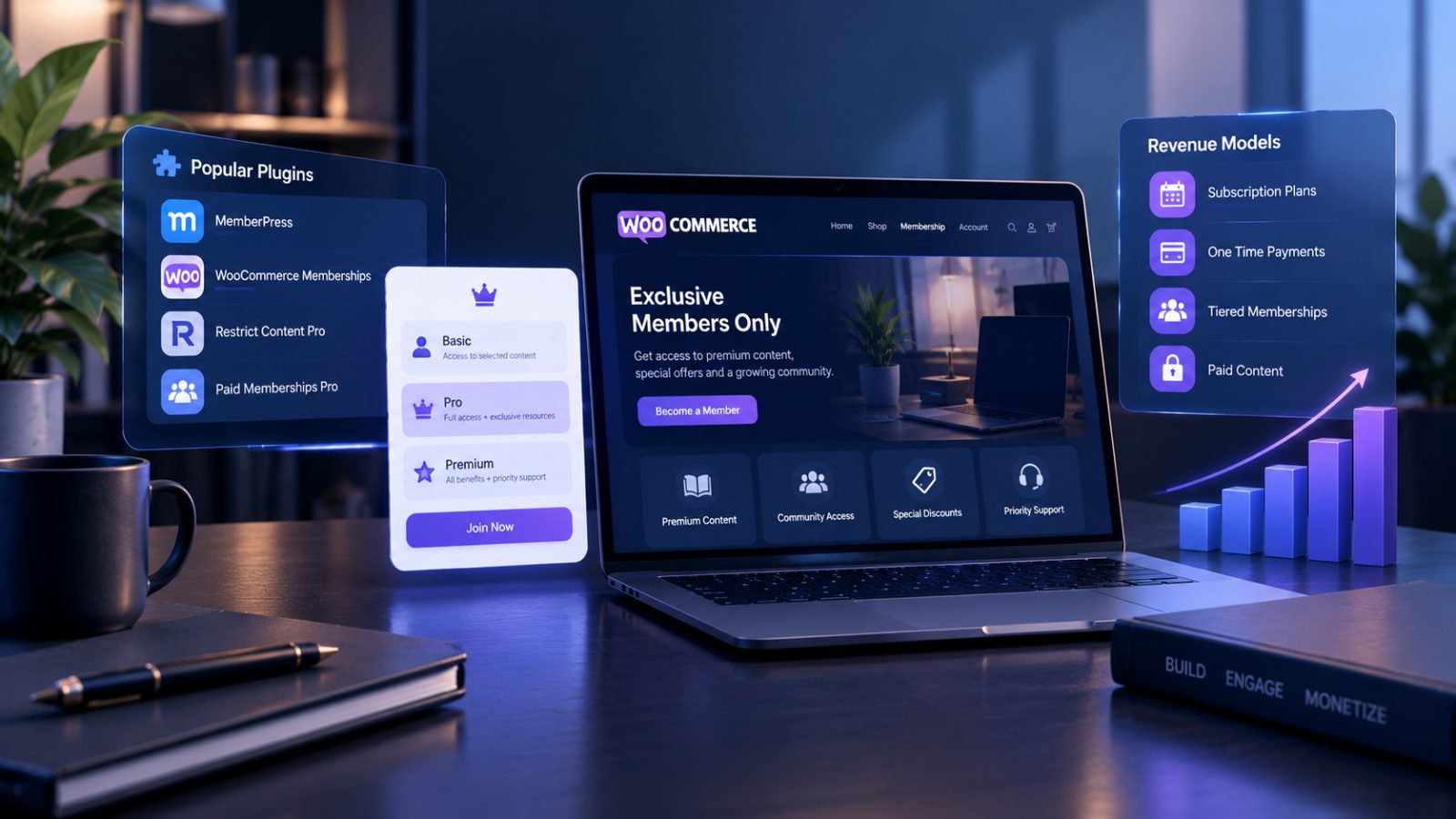
Recurring revenue is the first thing every store owner hears about when they start reading growth content. The reality is less tidy. A membership site built on WooCommerce can carry a business through a slow season, but only if the model, the plugin stack, and the retention plan all line up before launch.
This guide walks through the four revenue models that work on WooCommerce, the plugin landscape as it stands in 2026, the setup decisions that trip up most new membership operators, and the point where the plugin approach stops making sense.
Most memberships that fail quietly fail at the setup stage, not at the content stage. Operators pick a plugin before picking a revenue model, launch with four pricing tiers instead of two, or skip failed-payment handling and watch 15% of recurring revenue evaporate every month. The decisions below surface the ones that matter most.
What a WooCommerce membership site actually is
A membership site is not the same as a subscription box or a recurring product order. The three overlap in the shopping cart but behave very differently after checkout. A subscription box ships a physical product on a schedule. A recurring product order is a single item that renews. A membership site charges for access to something that is not shippable: content, community, software, discounts, or services.
On WooCommerce specifically, membership setups fall into one of two technical camps. The first uses a dedicated membership plugin that handles access control and treats WooCommerce as the payment layer. The second uses WooCommerce Subscriptions for billing and layers access control on top. Both work, and the choice depends on how complex the access rules need to be. For setups where neither off-the-shelf path fits cleanly, custom woocommerce development services fill the gap with bespoke access logic built on top of the base platform.
Four membership revenue models that work
Not every business model fits every store. Pick the one that matches your product and your audience before touching a plugin.
1. Content membership
The subscriber pays monthly or annually for access to articles, videos, courses, downloads, or a resource library. Think fitness programs, writing newsletters with paywalled archives, educational platforms.
This model works best when the content is updated frequently enough that cancellation feels like a loss. A static course library sold as a membership turns into one-time buyers who cancel after month two. For teams planning a content library with scheduled dripping, LMS integration, or role-based access tiers, bringing in the right technical help early is the difference between a six-week launch and a six-month struggle. The practical move is to Hire WooCommerce Developers with specific LMS and subscription plugin expertise rather than general WordPress freelancers.
Typical pricing: $9 to $49 per month, often with an annual discount of 15 to 25%.
2. Community membership
The subscriber pays for access to a private forum, Slack or Discord group, discussion board, or peer network. The product is other people.
This model has the lowest content production cost and the highest retention when it works, because members come for peer connection rather than content consumption. The trap is a dead community that nobody wants to pay for.
Typical pricing: $19 to $99 per month, with tiered access for events or office hours.
3. Product-access membership
The subscriber pays for the right to buy products at a discount, access members-only inventory, or get early access to drops. Common with apparel, collectibles, and specialty goods.
This model stacks neatly on top of a normal WooCommerce store. Non-members shop at retail, members shop at member pricing. The membership itself is a revenue line in addition to product margin.
Typical pricing: $49 to $299 annually, framed as “pays for itself after the first purchase.”
4. Service-access membership
The subscriber pays for ongoing access to a professional service: consulting hours, support, maintenance, retainer-style coaching. Common for agencies, consultants, and solo professionals turning hourly work into recurring revenue.
This model has the highest average revenue per member and the highest churn risk, because any single member leaving is a measurable loss.
Typical pricing: $200 to $5,000+ per month depending on service depth.
Many successful membership sites blend two of these. A fitness brand might sell content access AND a community forum under one plan. The important point: pick a primary model and build the stack around that model, rather than trying to serve all four from one plugin configuration.
The WooCommerce membership plugin landscape in 2026
Five plugins cover 90% of real membership setups. Each has a sweet spot. None does everything well.
WooCommerce Memberships (Woo.com, official)
The native option. Deep integration with WooCommerce Subscriptions and the broader Woo ecosystem. Access rules built around WooCommerce products.
Best for: stores where membership is a layer on top of normal product sales, especially product-access models where member pricing is the core benefit.
Typical cost: $199 per year for a single site license, often sold bundled with WooCommerce Subscriptions.
Paid Memberships Pro
Free core plugin with paid add-ons. Flexible access rules, strong developer community, integrates with a long list of third-party tools.
Best for: content memberships and community memberships where the setup needs flexibility without paying for features you do not use yet.
Typical cost: free core, $297 to $597 per year for the add-on bundles that most real setups need.
MemberPress
Standalone membership plugin that works with WooCommerce as the payment gateway. Content dripping, rules-based access, course builder in the higher tiers.
Best for: content memberships with structured learning paths, especially when the course builder reduces the need for a separate LMS.
Typical cost: $179 to $399 per year.
Restrict Content Pro
Lightweight, developer-friendly, strong for custom rules and extended through code more than through add-ons.
Best for: technical teams building something non-standard where plugin flexibility matters more than a polished admin UI.
Typical cost: $99 to $249 per year.
Ultimate Member
User-profile-first plugin, strong for community memberships where member profiles and directories are central to the product.
Best for: community-driven sites where “the directory IS the product.”
Typical cost: free core, $249 to $599 per year for premium extensions.
Verify current pricing on each vendor’s site before publishing. All five have changed pricing in the last 18 months.
Setup walkthrough: the universal steps
Regardless of which plugin you pick, the setup pattern is similar.
Step 1: Decide your access architecture before you install anything
Who can access what, and when? Write it on paper first. Three membership tiers, each with specific content categories, drip schedules, forum access, and product discounts. If you cannot describe your tiers in two sentences each, the plugin configuration will fight you.
Step 2: Install WooCommerce and WooCommerce Subscriptions first
Even if your chosen membership plugin has its own billing, running the billing through WooCommerce Subscriptions keeps your financial reporting in one place. Exceptions exist, but they are exceptions.
Step 3: Install and configure the membership plugin
Create your membership levels, define access rules per content category, and set up the registration pages. Keep the first draft of access rules intentionally simple. You can tighten them later.
Step 4: Set up payment gateways
Stripe and PayPal cover most use cases. For membership specifically, Stripe handles failed payment retries (dunning) more cleanly than most alternatives, which matters more over 12 months than a 0.5% difference in transaction fees.
Step 5: Configure email flows
Welcome email, payment receipts, failed payment notices, upcoming renewal reminders, cancellation confirmations. Members who feel communicated with churn less. Default WooCommerce emails are usable but plain. Replace them with branded templates before launch.
Step 6: Test every path end to end
Sign up as a new member, access gated content, trigger a failed payment, cancel, re-subscribe, upgrade a tier, downgrade a tier. Every failed test now is a cancellation reason later.
Step 7: Soft launch to 10 people before public launch
Charge them real money. If anything breaks, the first ten members are more forgiving than the first hundred.
Pricing strategy that actually works
Most new membership operators underprice. The reasoning sounds sensible: lower price to attract more members. The result is a membership too cheap to retain because members do not value it enough to use it, which means they cancel.
Three pricing principles that outperform the “cheap and plentiful” default.
Price above the perceived casual threshold. Memberships at $5 to $9 per month churn fast because members forget they signed up. $19 to $29 per month is remembered, used, and valued. Lower prices only work when volume is huge.
Offer annual plans with a real discount. 15 to 25% off the monthly rate for annual commitment. Annual subscribers churn at a fraction of the rate of monthly subscribers, and the cash upfront funds the next 12 months of content production.
Add a founding member tier. For the first 90 days post-launch, offer a lifetime-locked rate for early members. This drives both signups and loyalty, since founding members feel they got a deal.
The right price is the one that signals the product is worth engaging with, not the one that lowers the barrier so far that nobody engages.
Payment, billing, and dunning
Membership billing is where plugin-based setups quietly break. Three decisions make the difference between a clean 12 months and a reconciliation nightmare.
Pick one payment gateway for recurring billing and stay there. Switching gateways mid-year means members have to re-authorize cards, which triggers churn you did not plan for.
Set up dunning before you need it. Dunning is the process of handling failed payments: retry schedule, email reminders, grace period before cancellation. Stripe handles this natively. Other gateways need a plugin layer. A 15% failed-payment rate is normal. Without dunning, that becomes 15% monthly churn you did not need to accept.
Reconcile monthly from day one. Members who cancel but keep access, members who paid but did not get access, chargebacks that need refund processing. The financial state of a membership site diverges from reality fast if you skip reconciliation.
Content gating patterns that convert
Most plugins let you gate content at the page level. The ones that convert well use three patterns together.
Preview + paywall. Show the first few paragraphs of gated content to non-members, then cut off with a clear “sign up to continue” prompt. This outperforms a hard paywall at the top of the page.
Drip content on a schedule. New members get access to Week 1 content immediately, Week 2 content seven days later, and so on. Dripping stretches engagement across weeks instead of letting new members binge and churn.
Members-only teasers in public content. Public blog posts that mention or link to members-only content create pull without feeling like a sales pitch.
The anti-pattern to avoid: hiding so much that non-members cannot see what they are signing up for. Membership sites that work show enough to prove value, then charge for access to the rest.
Member retention: the number that matters most
Acquisition gets most of the attention. Retention pays the bills.
A membership site with a 60% annual retention rate loses 40% of its base every year and has to replace that loss just to stay flat. A site at 85% annual retention compounds. Over three years, the difference is enormous.
Four retention plays that work on WooCommerce membership setups:
- Onboarding sequence in the first 14 days. New members who use the product in week one churn at a materially lower rate. A short email sequence pointing to the most valuable content earns its keep.
- Monthly engagement nudges. Members who have not logged in for 30 days get a specific “here is what you missed” email. Generic newsletters do not count.
- A pause option alongside cancellation. Members who pause instead of cancel return at 3 to 5 times the rate of hard-cancelled members. Most plugins support pause out of the box or with a small add-on.
- Annual check-in call for high-tier members. For memberships above $100 per month, a once-yearly 20-minute call from the operator cuts churn visibly. It is also a listening channel for product improvements.
When your membership site outgrows plugins
Plugins work for most setups. There are five signals that the plugin approach has run out of room.
- You have more than 5,000 active members and plugin admin screens are getting slow
- Your access rules now require custom code to express (“members in Tier 2 who joined before June and have attended at least one live session”)
- You are integrating membership status with an external platform (CRM, LMS, ERP) and the plugin’s hooks are not enough
- You need gift memberships, team memberships, or sponsored memberships, which most plugins handle poorly
- Your renewal rate is being hurt by a payment flow the plugin does not let you redesign
At this point, custom development becomes the right call. The underlying work is still WooCommerce, but the membership logic, access rules, and billing flows move into a bespoke layer that sits alongside the plugin ecosystem.
Common mistakes to avoid
- Picking the plugin before picking the revenue model
- Launching with four tiers when two would have worked (complexity scares new members)
- Underpricing because competitors underprice (competing on price in memberships is a race to the bottom)
- Treating acquisition as the only metric and ignoring retention until it is a crisis
- Skipping dunning setup until the first wave of failed payments teaches the lesson expensively
- Hiding too much content behind the paywall so non-members cannot evaluate the offer
- Building a static library instead of a living product (static content turns subscribers into one-time buyers)
Closing thought
Membership sites on WooCommerce reward operators who treat the launch as the beginning, not the goal. The plugins can be installed in a weekend. The business takes 18 months to compound. Pricing above the casual threshold, dunning that catches failed payments, drip content that stretches engagement, and retention plays in the first 14 days are what separate the memberships that are still growing in year three from the ones that got abandoned in year two.